Know every plot is built right, without driving to every site.
Construction management software for building firms that run plots with subcontractors.
Set up a plot and send its first stage to a trade in ten minutes. Every photo they send back is checked before you sign it off.

Where a job goes wrong.
You ring round three sites to find out where each plot is up to.
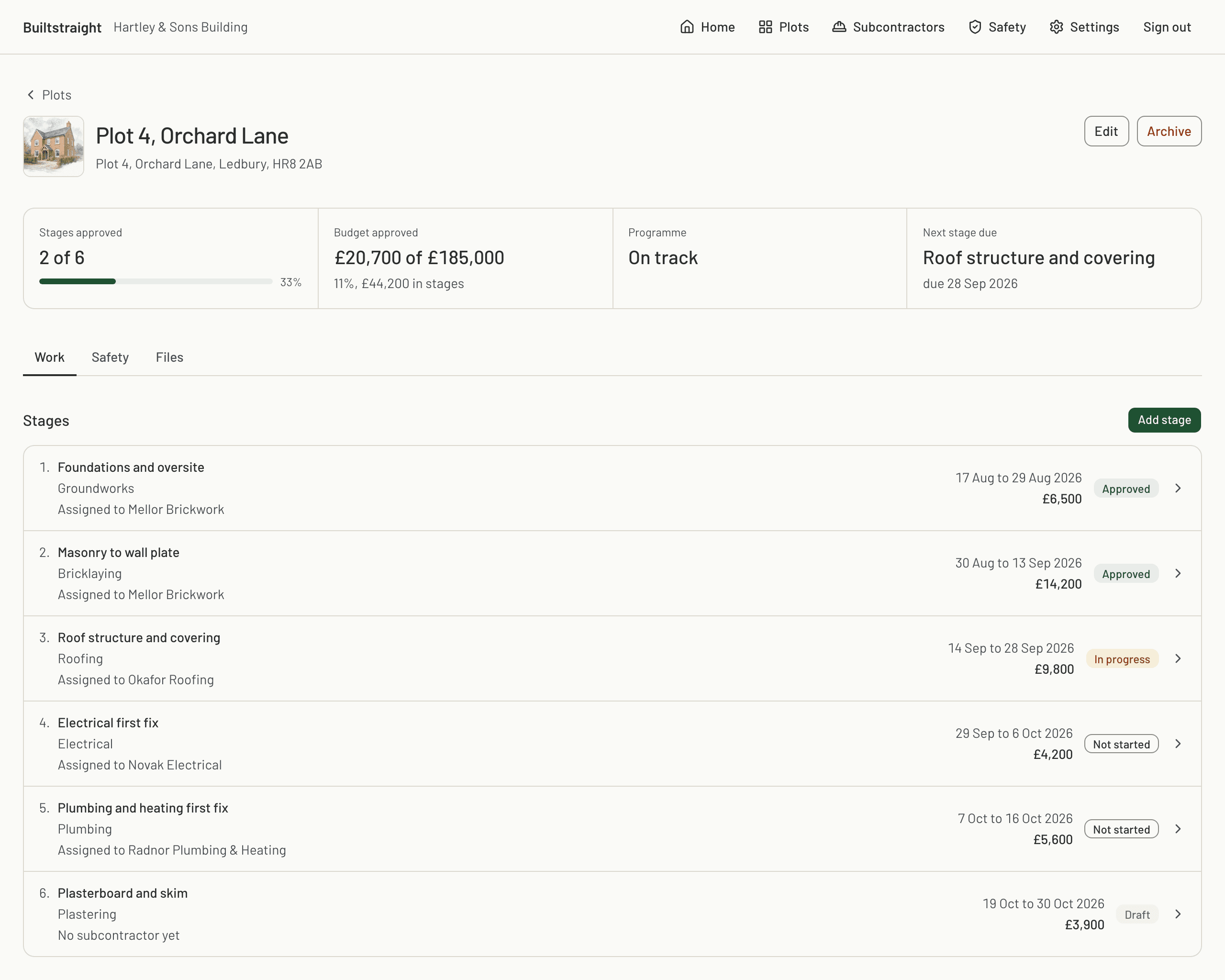
Plot programme. Every plot shows its stages with their dates and whether each one is approved, in progress or not started.
A trade sends photos of work you would not have passed if you had been stood in front of it.
Photo checks. Every photo is checked as it arrives. A blurry, dark or reused shot asks the trade for a retake, and work that looks poorly finished is flagged, with the reason, before you sign the stage off.
A client or an inspector questions work that was covered up months ago.
Stage record. The photos are kept as they arrived, with who sent them and who signed the stage off, in a log nobody can edit.
Building control wants the electrical certificate and nobody can find it.
Required certificates. Name them on the stage and they come in with the photos, filed on the plot.
A new trade turns up without RAMS, an induction or an in-date CSCS card.
Safety file. The trade's RAMS is drafted for them from your site details and their trade, or you start it yourself. You accept it like a stage, inductions are signed on the phone, and cards are flagged before they expire.
Your client rings every week to ask how the build is going.
Client updates. Post an update with photos to the client's own page. They read it there and reply, and their replies reach you in one email.
Every photo, checked as it arrives.
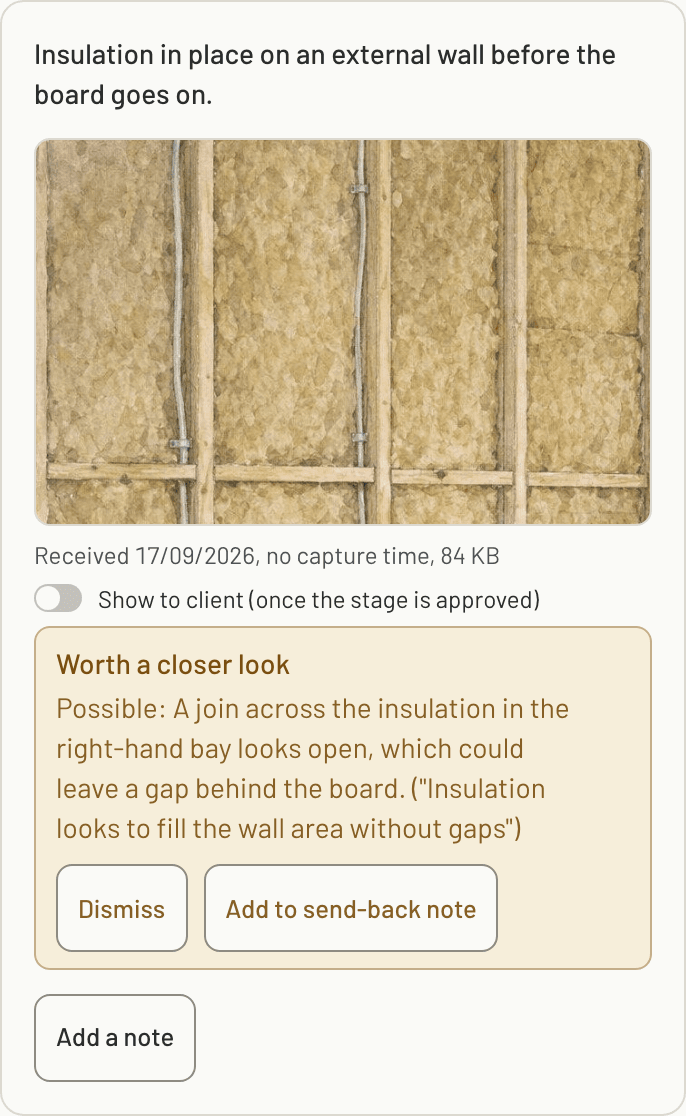
You cannot stand in front of every wall before it is boarded. So each photo a trade sends is checked the moment it lands: first that it is a photo you can use, then against what you asked the shot to show. The call on the work stays yours. You make it knowing where to look.
- The photo
- Blurry, too dark, already sent for another stage or plot, or taken days before it was sent. A photo that clearly needs retaking asks the trade for a retake on their phone, there and then.
- The work
- The photo is compared with the shot's reference photo and read for work that seems poorly finished, against the shot's list of what a good photo shows. The presets come with that list, one is written for any shot you add, and you can edit both.
- The flag
- It sits on the photo in your review, saying what looks wrong, how sure the check is and which point on the list it failed. Dismiss it, or add it to your send-back note. You can let a photo that clearly needs retaking send the stage back by itself. A concern about the work never sends anything back. You decide.
Everything your firm gets.
One account holds the work, the people and the paperwork for every plot. Each part takes over a job somebody in your firm does by hand today.
- Plots and programme
- Every plot with its stages in order, their dates and their prices. You can see where every plot is up to without ringing round.
- Subcontractors
- Invite a trade to a stage by email. They see that stage and nothing else, and they never pay. Their photos come to the stage, not to your WhatsApp.
- Checks and sign-off
- The photos and certificates you asked for, each photo checked as it arrives, then signed off or sent back with a note on the photo. You see what the checks found before you sign.
- Safety file
- RAMS drafted for the trade from your site details and accepted like a stage, site inductions, toolbox talks, inspections, incident records and a register of every worker's cards. When an inspector asks, it is already on the plot.
- Notes and client updates
- A note thread on every stage between you and the trade, and updates with photos on the client's own page that they can reply to. Your client stops ringing every week to ask.
- The record
- A log of who did what and when that nobody can edit, and an evidence pack for every approved stage. If a stage is disputed, the answer is already written down.
- Your team
- Owners and managers on one account, counted by your plan rather than charged a seat at a time. Add your site managers without paying per head.
Your first stage out to a trade in ten minutes.
Name the plot, pick a trade preset, set the price and type the trade's email. The preset brings the shot list and the certificates, so nothing is written from scratch. The same three moves on every stage after that.
- 1
Set up the stage
Start from a trade preset, edit the scope, list the photos you want, name the certificates you need and set the price.
- 2
Capture the proof
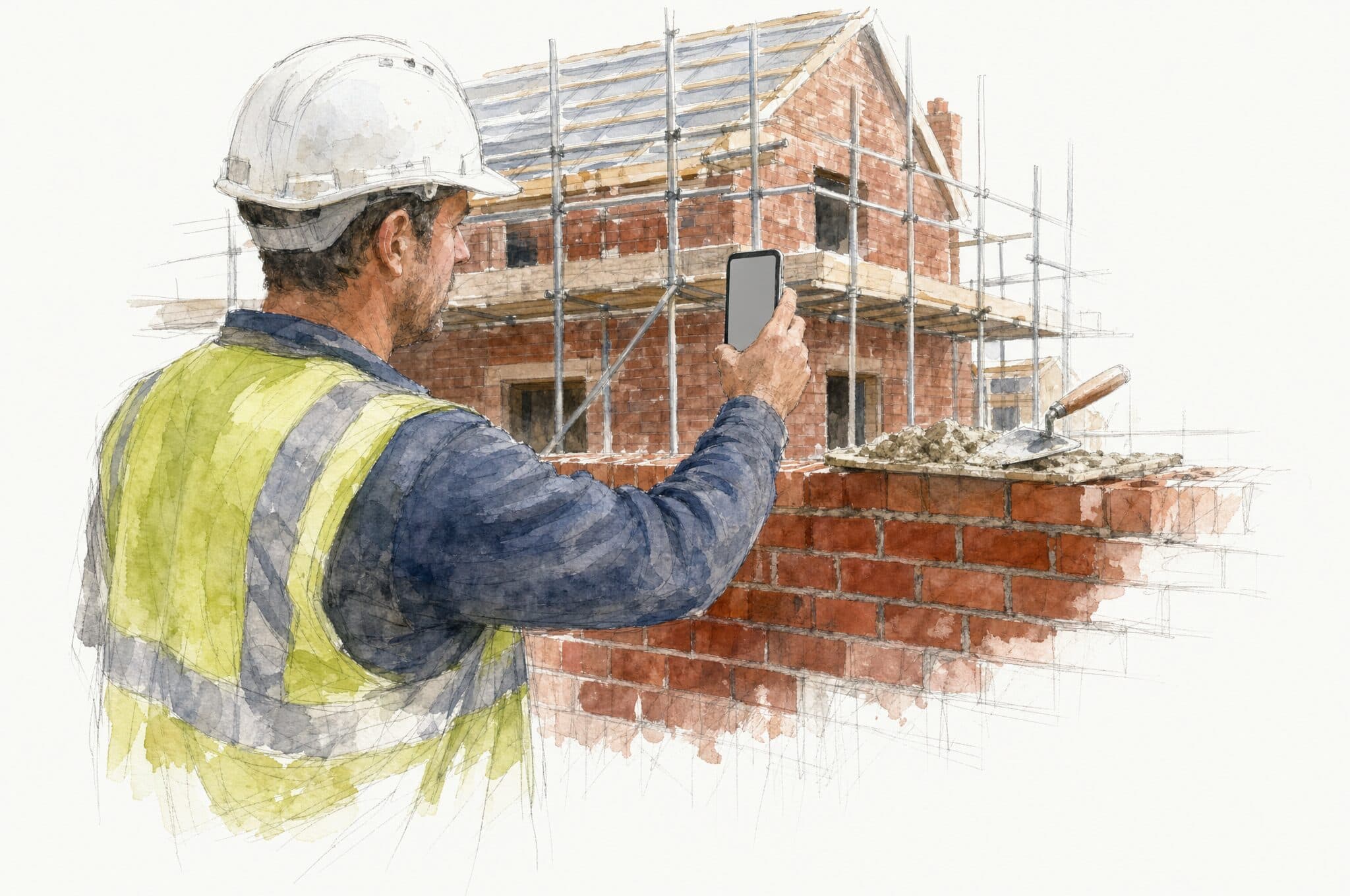
The subcontractor opens the stage on their phone, takes the photos on your list and submits them, offline if there is no signal.
- 3
Sign it off
You look through the photos with anything the checks flagged, then approve the stage or send it back with a note pinned to the photo that is wrong.
Every plot, on one programme.
This is a plot as Builtstraight holds it: the stages in order, the trade on each one, how far each has got and what each is worth. You set the plot up once and the programme is the plot. Managers work from it, subcontractors work from the stage they are on, and you can see the whole job without ringing round.
Who it is for.
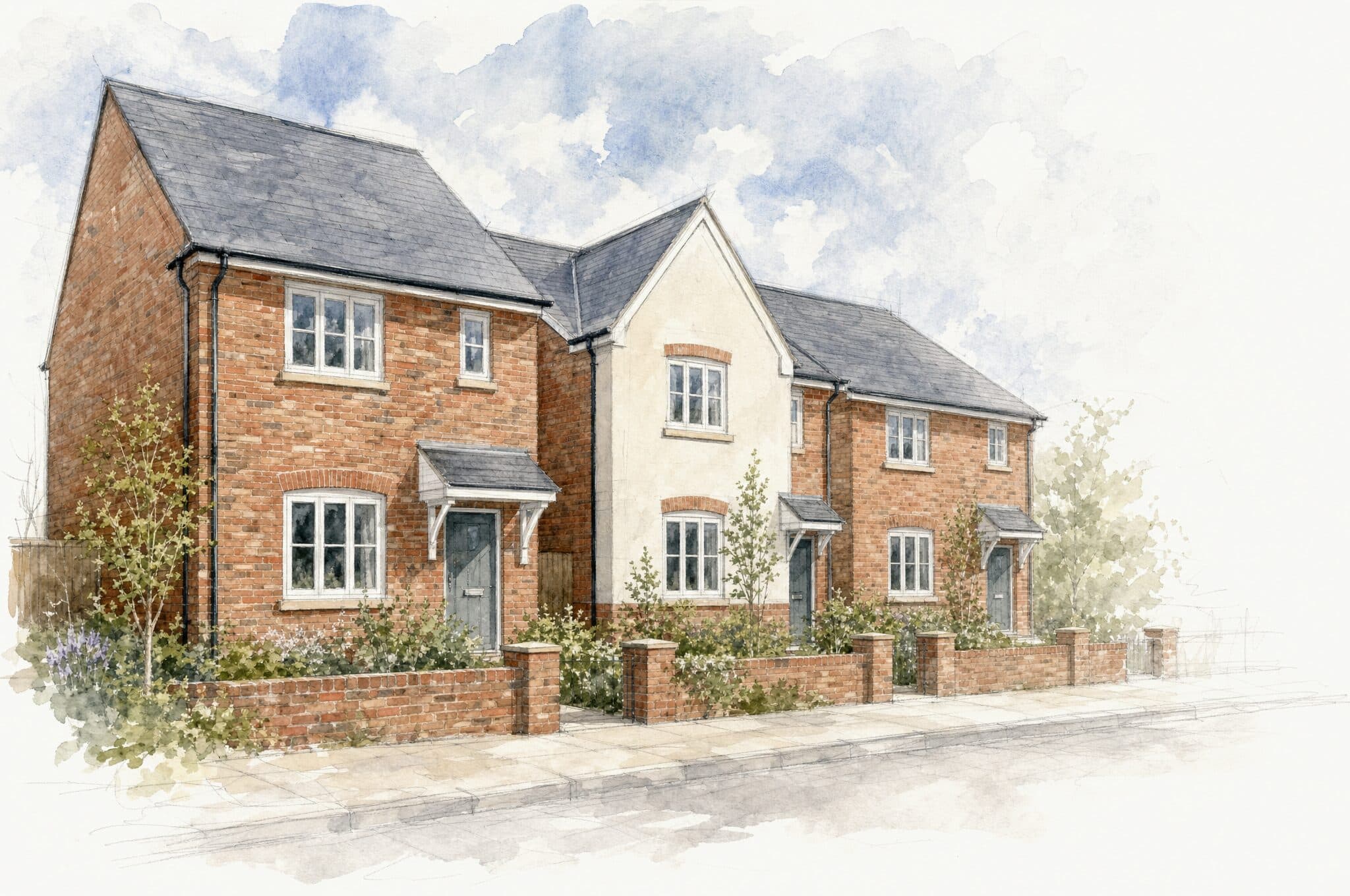
Residential builders
You run a handful of plots with a dozen trades across them, and the job lives in your head, your phone and a notebook. Builtstraight holds the programme, the people and the paperwork for all of it.

Commercial contractors
You have managers, many sites and a paper trail that lives in camera rolls and a WhatsApp thread. Builtstraight keeps every plot, every stage and every document in one place your team and your subcontractors both work from.
Run a real plot on it for a month, free.
The first month is free on Firm and Commercial. Set up a live plot, invite your trades and watch the checks work on their photos. Cancel before day 31 and you pay nothing. Subcontractors never pay at all.
Firm
£79/month
For a builder running several plots with a small office team.
- Unlimited plots
- Up to 10 team members
- Unlimited subcontractors
- Managers on your team
- Reference photos per shot
- Photo checks and smart forms included
Commercial
£299/month
For a contractor with site managers across several jobs.
- Unlimited plots
- Unlimited team members
- Unlimited subcontractors
- Everything in Firm
- Priority support
- Photo checks and smart forms included
Enterprise
Talk to us
For firms with several divisions, or around 250 people and more.
- Everything in Commercial
- A named contact
What builders ask first.
Will my trades actually use it?
They get a link by email, sign in with a code and open the stage on their phone. There is no fee and no form to fill in, and they only see the stage you sent them.
How much do I have to type in?
A plot needs a name and an address. Each stage starts from a preset for its trade, with the photos and certificates already listed. You set the price and the trade's email.
Do the checks decide whether the work passes?
No. They flag what looks wrong and say how sure they are. A photo that clearly needs retaking can go back to the trade by itself. A concern about the work never does. You make that call.
What if there is no signal on site?
The trade takes the photos anyway, and they send when the phone picks up a signal.
What happens to my records if I leave?
Export any plot yourself, at any time, as one download with every photo, document and record on it. It is yours to keep.

Set up your first plot today.
Ten minutes to your first stage out to a trade. The first month is free on Firm or Commercial, with unlimited plots and as many subcontractors as you like.
Start free